Artificial intelligence–generated images have rapidly taken over Pinterest. While AI content can be useful for inspiration, many users now struggle to find real photos, authentic ideas, and human-made designs. If your Pinterest feed feels flooded with unrealistic images, fake DIYs, or AI art, you are not alone.
- Why AI content is dominating Pinterest
- What Pinterest does (and does not) allow in 2025
- How to reduce AI images step by step
- Search and feed filtering techniques
- Common problems and solutions
- Best practices for long-term results
- A clear conclusion
Why Is There So Much AI Content on Pinterest?
Pinterest has become a major distribution platform for AI-generated content because:
- AI tools can generate thousands of images quickly
- Many creators use AI to drive affiliate traffic
- Pinterest prioritizes fresh visual content
- AI images often receive high engagement initially
As a result, searches like home design, tattoos, interior decor, fashion, quotes, and DIY are now heavily saturated with AI-generated pins.
Does Pinterest Allow AI Content
Yes. Pinterest currently allows AI-generated content, but with limitations:
- AI content must not be misleading
- It must follow Pinterest’s spam and authenticity policies
- Creators are encouraged (but not required) to disclose AI usage
How to Filter Out AI Content on Pinterest

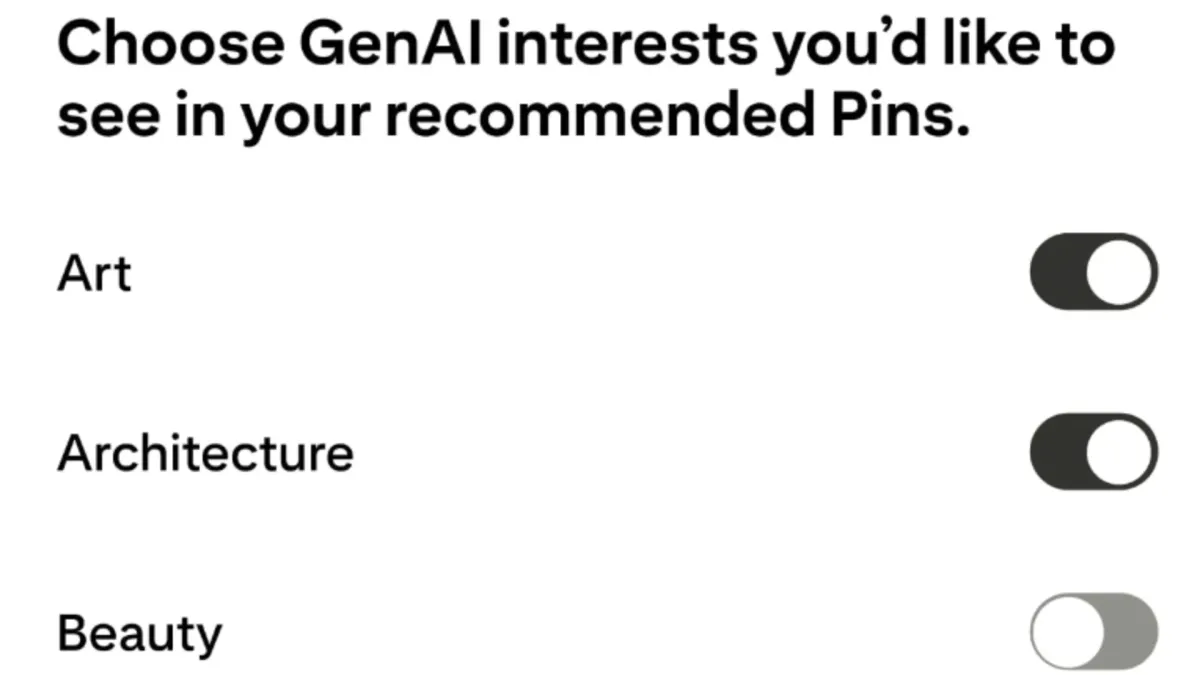

Step: Use “Not Interested” on AI Pins
This is the most important action you can take.
How to do it:
- Hover over (desktop) or tap (mobile) an AI-generated pin
- Click the three dots (⋯)
- Select Not interested
- Choose This pin isn’t relevant
Pinterest’s algorithm uses this feedback to reduce similar content.
Step: Block or Mute AI-Heavy Accounts


Many AI pins come from repeat spam accounts.
How to block an AI account:
- Click the pin
- Open the creator’s profile
- Tap three dots (⋯)
- Select Block or Mute
Blocking removes all current and future pins from that account.
Step: Use Smarter Search Keywords (Critical Tip)
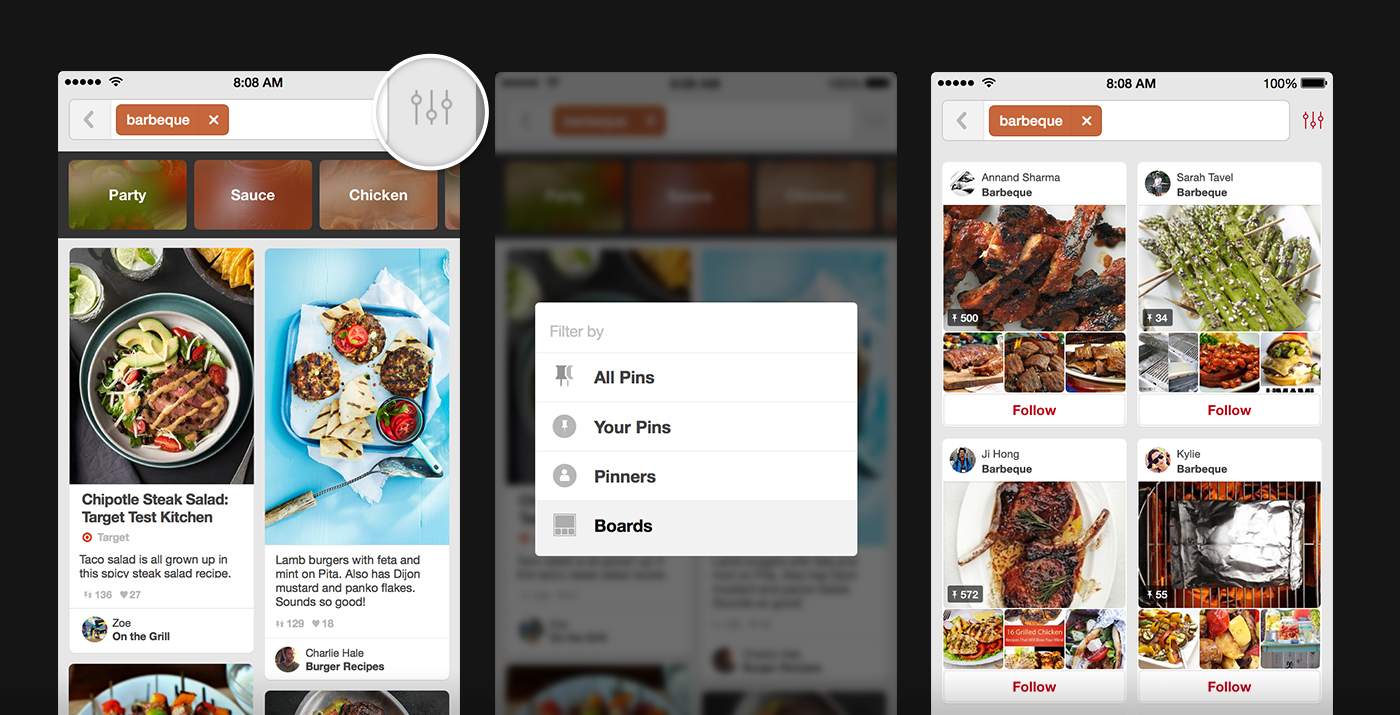

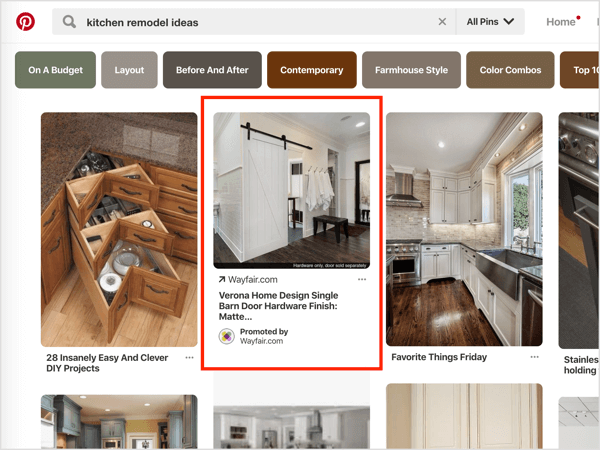
Pinterest search heavily influences AI exposure.
Avoid broad searches like:
- “Living room ideas”
- “Tattoo designs”
- “DIY furniture”
Use human-intent keywords instead:
- “real living room photos”
- “before and after renovation”
- “tattoo healed photo”
- “real DIY project”
- “handmade”
- “work in progress”
These phrases significantly reduce AI content.
Step: Follow Human Creators Only
Pinterest learns from who you follow.
Best practices:
- Follow photographers, designers, builders, artists
- Avoid accounts posting dozens of pins daily
- Prioritize creators with:
- Profile photos
- Bio descriptions
- Website or Instagram links
- In-progress or behind-the-scenes content
📌 Pinterest pushes content from accounts you engage with most.
Step: Train Your Home Feed Over Time

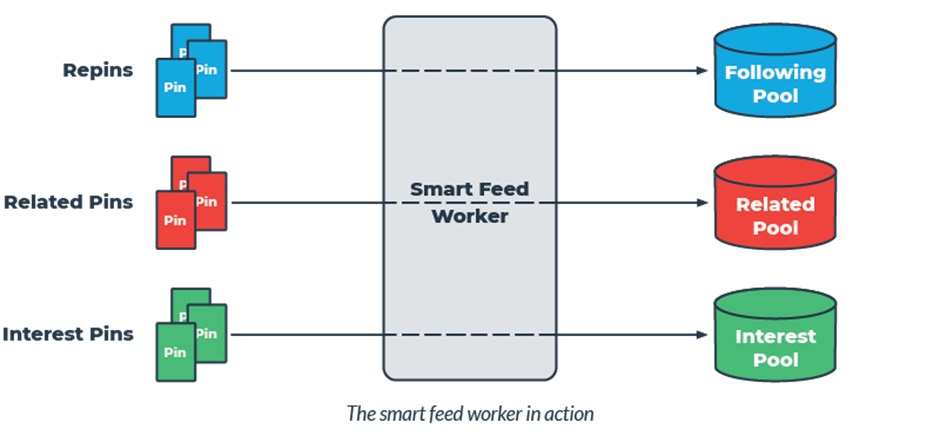
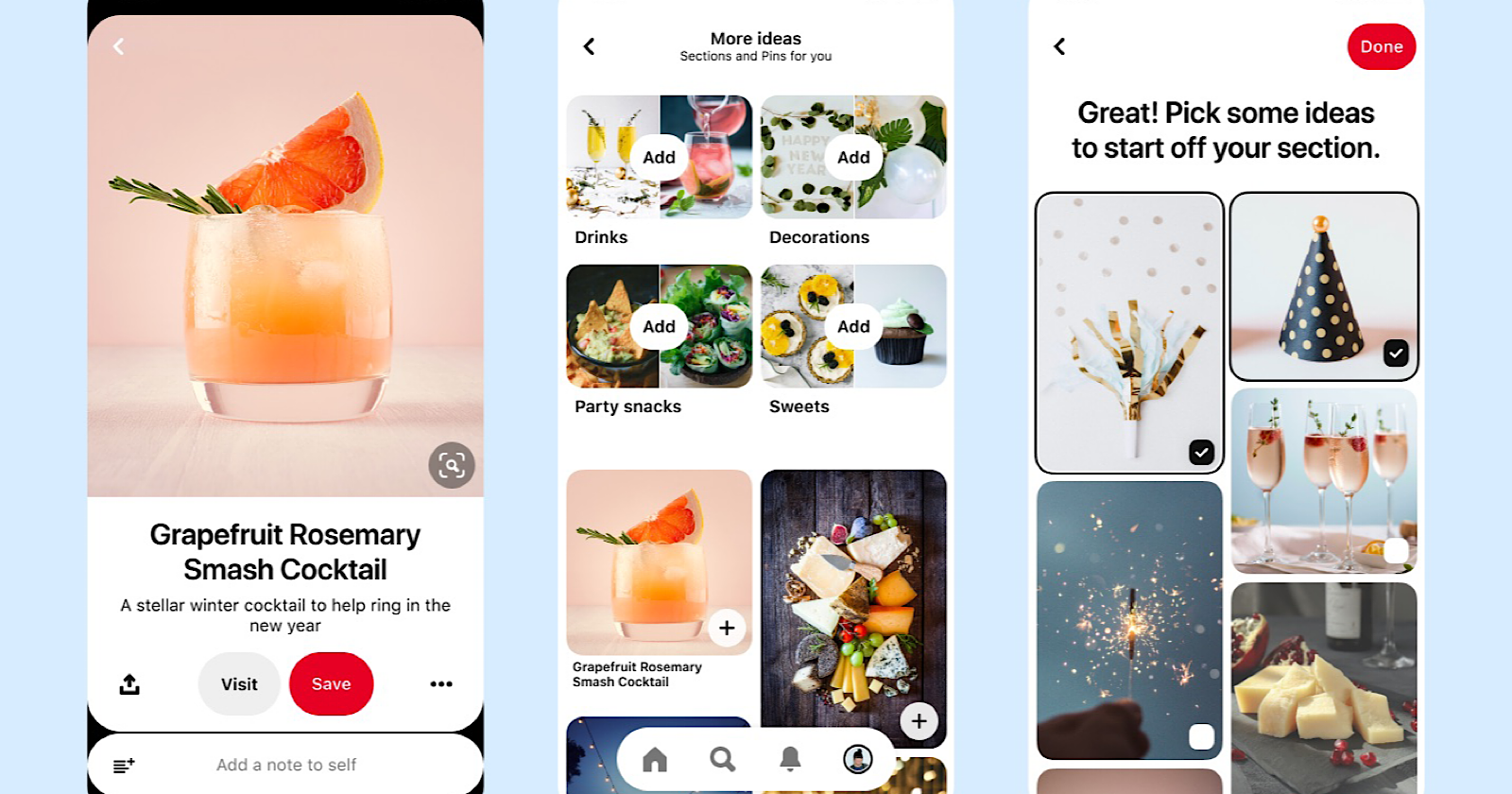
Pinterest does not change instantly.
What actually retains your feed:
- Clicking Not interested repeatedly
- Saving only real-photo pins
- Blocking AI accounts
- Searching with better keywords
- Spending more time on authentic pins
⏳ Expect noticeable improvement within 1–2 weeks.
Step: Use Pinterest Boards Strategically
Create boards labeled clearly, such as:
- “Real Home Inspiration”
- “Authentic DIY Projects”
- “Real Tattoos Only”
- “Natural Photography”
Save only verified, realistic pins to these boards.
Pinterest treats boards as strong preference signals.
Common Problems & Solutions
Problem: Pinterest Keeps Showing AI Images
Solution:
You must repeatedly mark AI pins as Not interested. One action is not enough.
Problem: AI Images Look Realistic
Solution:
Watch for signs:
- Perfect lighting with no shadows
- Unrealistic textures
- Impossible proportions
- Repeated visual patterns
- No process photos
Problem: AI Pins Appear in Every Search
Solution:
Refine search phrases and add qualifiers like:
- “real”
- “photo”
- “finished project”
- “in real life.”
Problem: Blocking Doesn’t Seem to Work
Solution:
Mute multiple accounts, not just one. Many AI farms operate dozens of profiles.
What Pinterest Does NOT Currently Offer (Important)
As of 2025, Pinterest does not provide:
- An official AI filter toggle
- A “Human-made only” search option
- Mandatory AI labeling on all pins
This may change, but for now, manual filtering is required.
Best Practices to Avoid AI Content Long-Term
- Interact only with real creators
- Avoid viral-looking image grids
- Save fewer, higher-quality pins
- Review followed accounts quarterly
- Avoid clicking suspicious pins
- Don’t engage with obvious AI art
Consistency matters more than volume.
Frequently Asked Questions
Can I completely remove AI content from Pinterest?
No. You can significantly reduce it, but not fully eliminate it.
Does Pinterest label AI images?
Some creators label AI content, but it is not mandatory.
Does reporting AI pins help?
Only if they violate Pinterest policies. Otherwise, use Not interested.
Will Pinterest add an AI filter in the future?
Pinterest has discussed transparency tools, but nothing official yet.
Conclusion
AI-generated content is now deeply embedded in Pinterest’s ecosystem, and while Pinterest does not yet offer a one-click AI filter, you are not powerless. By actively training the algorithm—using Not interested, blocking repeat AI accounts, refining your searches, and engaging only with real creators—you can dramatically improve the quality of your feed.